Is your Samsung TV sluggish? The counterintuitive fix to disconnect it from Wi-Fi will speed it up — here's why and what to use for streaming instead
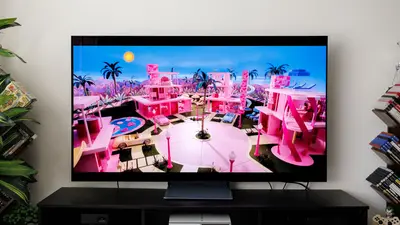
Many Samsung smart TVs can eventually develop the same frustrating habit: menu lag. Hit the home button and the interface hitches, bogged down by banners, background app data, and buffering before it even lets you select an input. The TV displays 4K video easily enough, but it starts stumbling the moment it has to juggle all those background apps and menus.
If clearing the cache or restarting only gives you temporary relief, there is a more permanent fix. Disconnect the TV from Wi-Fi and let a streaming device like a Fire TV Stick or Roku handle your apps instead.
Why an offline screen runs faster
Cutting your TV's Wi-Fi does not mean giving up Netflix, Disney+, or YouTube. Instead of forcing your television to download and run those services directly, you plug a streaming stick into an HDMI port and connect that to your home internet instead.
Keep in mind that budget devices like a Roku or Fire TV still have their own home-screen ads, though mid-tier models (like the 4K sticks) will generally feel much snappier than an older or budget TV’s own sluggish software.
(Image credit: Thomas Trutschel / Getty Images) If you want the cleanest interface with no third-party banner ads, an Apple TV is your best option, though it still shows promotional trailers for Apple’s own shows. By taking the TV itself offline, you stop it from serving built-in ads and tracking your viewing data, leaving it to do what it does best: just show the picture.
If you use them, you'll lose Samsung's TV Plus free channels, SmartThings phone controls, and native casting, though your new streaming stick can cover most of these needs through apps like Tubi, its own remote, and built-in AirPlay or Google Cast (depending on the stick you buy).
Fire TV Stick HD: $39
This is one of our top budget streaming stick picks for a reason: it's cheap, plugs right into any HDMI port, and instantly breathes new life into your TV. You get sharp 1080p picture quality, reliable access to every major streaming app,


Comments
No comments yet. Be the first to share your thoughts.