This simple QR code creator is all about your privacy
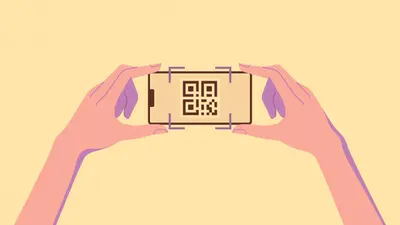
QR codes are popping up everywhere these days, and for good reason. They have all kinds of practical uses, from replacing your business card and collecting cashless payments to linking to menus or information on museum exhibits. But creating one can be a pain.
Search online for “QR code creator,” and you’ll run into sluggish websites with annoying banner ads, sign-up walls, and invasive privacy policies. Some even hijack your links with their own tracking code.
It really shouldn’t be this complicated.
Fortunately, today’s tool introduces a new way to create QR codes that’s refreshingly simple—and it comes from a source with a strong track record of keeping your data private.
This tip originally appeared in the free Cool Tools newsletter from The Intelligence . Get the next issue in your inbox and get ready to discover all sorts of awesome tech treasures!
The simplest QR code creator
A little refresher before getting to the tool itself: QR codes are those square-shaped barcodes full of little pixelated squares and a set of larger markers in the corners. You might see them in restaurants (“Leave us a review on Yelp!”), from street vendors collecting Venmo payments, or as part of the setup process for a smart home device. Most of the time, scanning them just opens a link to a web page without your having to type anything.
➜ For a simple, straightforward way to create your own QR codes with ease, check out Ente QR , a free website with no sign-ups or usage limits.
⌚ Generating a code takes mere seconds , and only a few minutes longer if you want to customize the look.
Ente QR makes QR code creation as quick and easy as it should be.
There are any number of reasons why you might find it helpful to create QR codes of your own. I keep an image file with a QR code handy on my phone, for instance, to let folks easily sign up for my newsletters. You could also have a QR code that links to your website on business cards, a printout of one that points people to a shar


Comments
No comments yet. Be the first to share your thoughts.