Wireless Lavalier Microphone Not Pairing? 3 Fixes That Actually Work
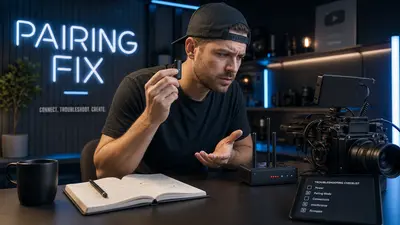
A wireless lavalier mic that refuses to pair can stop a shoot before it starts. The good news is that most pairing failures come down to a short list of fixable causes, and you rarely need to contact support or replace anything. Try these three fixes below in order, and you will resolve the problem in most cases within a few minutes.
Why Your Wireless Lavalier Mic Won’t Pair
Before trying any fixes, first understand where the problem begins. Six common causes can keep your wireless lavalier system from pairing.
Insufficient power or low battery on either the transmitter (TX) or receiver (RX), preventing the handshake from completing
TX not actively in pairing mode — the unit is on, but it is not broadcasting a pairing signal
Stale pairing memory locked to a previous RX unit, blocking a new connection
RF interference on the 2.4GHz band from nearby Wi-Fi routers or other wireless devices
Firmware version mismatch between TX and RX after one unit was updated independently
Host-device input misconfiguration — the TX and RX are paired, but the camera or phone does not recognize the RX output
On the Hollyland LARK MAX 2 , the TX LED gives you the first diagnostic cue. A blue flashing indicator indicates an unpaired or searching state, while a solid blue light confirms an active connection. If you see anything other than a solid LED after powering both units on, the system is not paired.
Quick Checklist Before You Start
Give this table a quick peek before fixing anything. Each check takes seconds, kicking out little problems causing the issue.
Condition What to Confirm
Both units are powered on TX and RX LEDs are lit and solid
Battery is above minimum threshold LED is not showing a low-battery warning color or pattern
Units are within 0.5–1 m of each other Move TX and RX close together before attempting to pair
RX is not locked to a different TX If previously used with another TX, a reset may be needed
Firmware is current on both units Check via the HollyAudio
Comments
No comments yet. Be the first to share your thoughts.