How to Create Your Own Micro Short Film Using Topview’s Film Studio
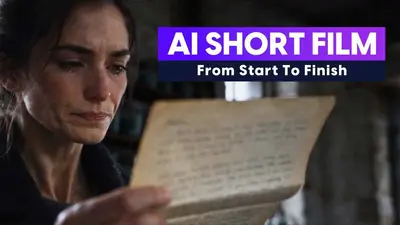
In this final installment of our series introducing filmmakers to Topview and its powerful Film Studio 2.0 , we’re ready to pull everything together and make an AI micro short film from start to finish.
Keep in mind, while we’re using this as an example of how to create a short film with AI, that’s hardly the only use case for Topview’s AI platform and Film Studio 2.0. This is purely an educational exercise that can simply help you choose to decide how you might want to use a platform like this and tools like these for your filmmaking and video production workflows.
So, with that in mind, let’s take a look at what we put together and re-explore how we got here.
Topview AI Micro Short Film
In our final video for the series, we’re taking everything we learned in our original intro and combining it with some of the tools we explored in our favorite skills from the Cinematic Suite contained in the Film Studio 2.0.
For this last video, we chose to create an AI micro short film from start to finish. Like, literally from start to finish, you can watch us begin with a blank canvas, enter a prompt, and create all the elements of the short film as we go. Some elements we create along the way include:
The rough concept
Mood boards and assets
The main character
The location and setting
The important props
Story beats and elements
Voice-over and dialogue
Soundtrack and sound design
And all the other intangible elements in between, which come together for the final short you can check out in the video above.
How to Use AI Tools Like Topview
To circle back to our point from before, this was purely an exercise in Topview and what its Film Studio 2.0 can offer . For most filmmakers and video professionals, it’s understandable if you’re not going to create many AI films from start to finish.
Still, the tools, skills, and interfaces in Topview’s Film Studio 2.0 can help with many different aspects of your filmmaking process. From ideation to mood boards to asset design to workshopp


Comments
No comments yet. Be the first to share your thoughts.