Ditching your Big Tech cloud storage just got a whole lot easier — a new encrypted rival now moves years of files in the background without filling up your PC
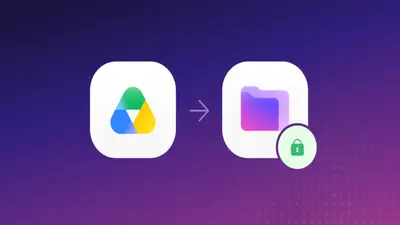
Proton now transfers Google Drive files directly between cloud platforms
Users can migrate large archives without filling their computers with temporary downloads
Easy Switch preserves folders and converts Google documents into Office formats
Leaving Google Drive can involve transferring years of documents, photographs, and records, making the prospect of changing providers difficult for many users.
Proton is attempting to remove that obstacle with a feature that transfers stored material into its encrypted cloud service without routing files through a laptop .
The new tool works online in the background, allowing customers to continue using their accounts while the transfer proceeds without interrupting their work.
Moving years of files without a computer
Proton's new Easy Switch feature connects a Google Drive account to Proton Drive and transfers content between the two services via their respective cloud systems.
Users therefore avoid saving an entire archive locally before uploading it again, a process that can consume substantial time and available disk capacity.
Large archives can take hours or days to move manually, particularly when connections fail or available computer storage becomes insufficient.
Online transfers also spare computers from temporarily holding entire collections before files are uploaded again to another cloud storage service.
The transfer also retains existing folder arrangements, reducing the work required to locate documents after they arrive in the new storage account.
Google Docs, Sheets, and Slides are converted during import into Microsoft Office file types, specifically DOCX, XLSX, and PPTX, respectively.
This conversion allows users to open imported documents through software that supports those widely used formats, rather than relying on Google's original apps.
Proton says customers can monitor the operation through status information in account settings and receive an email when the process finishes.
If an import stops because



Comments
No comments yet. Be the first to share your thoughts.