Quest's Virtual Display Gets Camera, Microphone, USB & Input Upgrades
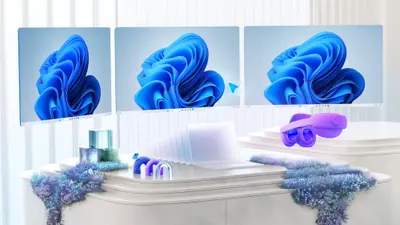
Meta and Microsoft have updated Quest's Virtual Display with camera and microphone forwarding to PC apps, wired USB streaming, and two-way input forwarding.
Virtual Display , formerly known as Remote Desktop, is Meta's first-party display-mirroring app on Quest headsets. It works with Windows and Mac devices. In Horizon OS 2.7 , Meta also merged Meta Quest HDMI Link's functionality into it, effectively creating a single app for multiple screen-mirroring use cases.
Meta and Microsoft's longstanding partnership has brought additional features to Virtual Display on Quest 3 or 3S when used with the Mixed Reality Link PC app on Windows 11.
These have included simplified connections, hand and controller input forwarding, and virtual ultrawide support, though some of these features have since become available on devices that don't use Mixed Reality Link.
Quest 3's Windows 11 Remote Desktop Gets Aspect Ratio Setting & Ultrawide Mode
The official Windows 11 Remote Desktop of Horizon OS now has 21:9 and 3:4 aspect ratio options, as well as an enveloping visionOS-like Ultrawide Mode.
UploadVR David Heaney
Camera & Microphone Forwarding
A September update to Virtual Display and Mixed Reality Link introduced the ability to use the connected headset's cameras on the host PC.
This means Windows can access your headset's forward-facing passthrough cameras, letting you share your view with others or select the cameras as a video source in compatible apps.
You can also select the headset's virtual front-facing cameras as a video source to use your Meta Avatar in Windows apps such as Discord or Zoom.
This is also in line with Horizon OS 2.10 , which added the ability to make video calls as your avatar in the Chats app. Meta first introduced this 'Selfie Camera' functionality in v76 PTC over a year ago, and it is now used by third-party apps such as Discord and Zoom.
Both Meta's implementation of the feature in its first-party Chats app and Microsoft's implementation in Mixed Reality


Comments
No comments yet. Be the first to share your thoughts.