Free OLEDTextFix utility tackles text color fringing on OLED monitors
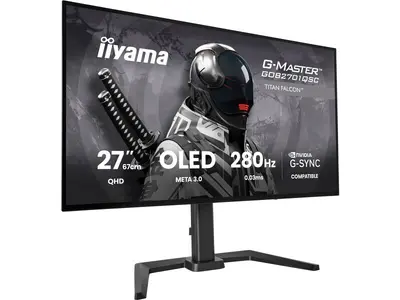
A new free, open-source utility called OLEDTextFix has been released to reduce coloured text fringing on OLED monitors. Rather than tweaking system fonts, the tool uses GPU-based processing to correct issues caused by the unconventional subpixel layouts found on many QD-OLED and WOLED displays.
According to the project's GitHub (via Wccftech ) OLEDTextFix works by applying a transparent GPU-rendered overlay across the desktop, aligning text rendering more closely with the physical subpixel layout of the display. The utility includes presets for nine QD-OLED panel classes, alongside RWBG and RGWB WOLED profiles, as well as “Sharp”, “Balanced” and “Smooth” filter modes.
According to the developer's testing, OLEDTextFix can reduce visible colour fringing on QD-OLED panels by between 58% and 71% against dark backgrounds. Those figures come from image-processing simulations rather than independent testing, however. Improvements on WOLED panels are expected to be less dramatic, and early feedback from users has been mixed.
The utility supports Windows 10 version 2004 and newer, as well as Windows 11, using a DirectX 11-compatible GPU. It can also automatically pause when launching fullscreen games. However, the desktop-overlay approach comes with some trade-offs. The developer notes that OLEDTextFix can introduce roughly one frame of latency and reported GPU power consumption increasing by around 40-50W on a Radeon RX 6900 XT during testing.
Experimental HDR and Auto Color Management support have also been added following feedback from users, although HDR functionality remains disabled by default and has yet to undergo extensive testing.
KitGuru says: Text fringing remains one of the few lingering annoyances with certain OLED monitor panels. It'll be interesting to see whether OLEDTextFix becomes the workaround that OLED users actually stick with.
The post Free OLEDTextFix utility tackles text color fringing on OLED monitors first appeared on KitGuru .


Comments
No comments yet. Be the first to share your thoughts.