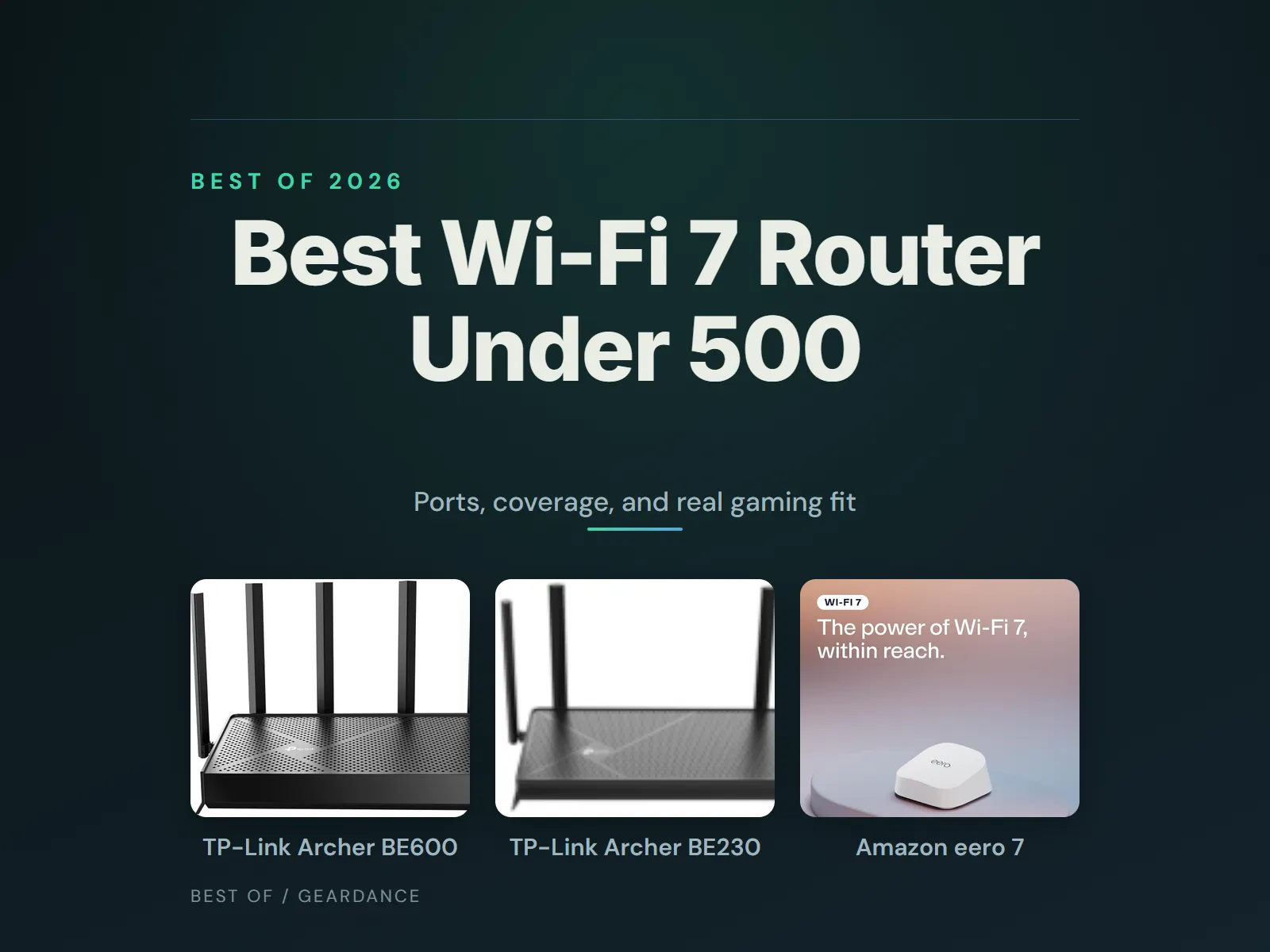
Best Wi-Fi 7 Router Under $500 for Gaming (2026)
Buying Guide
Best Wi-Fi 7 Router Under $500 for Gaming (2026)
As an Amazon Associate, I earn from qualifying purchases.
Wi-Fi 7 is no longer a lab standard. The useful buys in 2026 are the routers that pair 320 MHz channels and multi-link operation with ports your console or NAS can actually use. The trap is paying for a headline speed that your ISP plan or client devices cannot reach.
We checked live Amazon listings on 2026-11-29. The five routers below cover a fast 10G-ready pick, a large-coverage flagship, a budget entry point, a VPN-focused power-user box, and a mesh-first option. Prices move, so use the linked listings for the current figure.
At a Glance
| Product | Positioning | Price band | Radio | Key strength | Best for |
|---|---|---|---|---|---|
| Flagship TP-Link Archer BE600 | 10G ready | $170-190 range, checked 2026-11-29 | Tri-band | 10G port plus 2.5G LAN | Gaming PC with fast wired NAS |
| Premium NETGEAR RS500 | Coverage flagship | $380-410 range, checked 2026-11-29 | Tri-band | Large-home claim | Bigger houses and multi-floor use |
| Budget TP-Link Archer BE230 | Entry Wi-Fi 7 | $70-80 range, checked 2026-11-29 | Dual-band | Lowest entry cost | First Wi-Fi 7 upgrade |
| Niche GL.iNet Flint 3 | VPN power user | $160-180 range, checked 2026-11-29 | Tri-band | Five 2.5G ports plus VPN | Home lab and remote work |
| Value Amazon eero 7 | Mesh first | $130-150 range, checked 2026-11-29 | Dual-band mesh | Simple app and mesh expansion | Non-technical whole-home setup |
The Contenders
TP-Link Archer BE600
Why it is here: The BE600, sold under the BE9700 label, brings a 10G port and several 2.5G ports into a mainstream price band. For a gaming room with a fast desktop and a NAS, the wired layout is more useful than a raw wireless number.
The trade-off: The 10G port only pays off if the rest of your network can feed it. If your modem and clients are all 1G, you are buying headroom you will not use for a while.
- Tri-band Wi-Fi 7 with 320 MHz support
- 10G port plus multiple 2.5G ports gives real wired flexibility
- Check modem and ISP limits before paying for 10G
NETGEAR Nighthawk RS500
Why it is here: The RS500 is the large-home pick. Its advertised coverage and tri-band design make it the safest choice when the router must serve several floors, multiple consoles, and a crowded smart-home setup.
The trade-off: It sits at the top of this price band and takes more space. If you live in a small apartment, the coverage advantage is mostly wasted money.
- Strong choice for multi-floor homes
- High review count gives a deeper reliability signal
- Larger footprint and higher price than the value picks
TP-Link Archer BE230
Why it is here: This is the cheapest sensible way into Wi-Fi 7. It keeps the new standard, a compact body, and enough speed for a typical apartment or small home.
The trade-off: Dual-band means no dedicated 6 GHz radio. If your main aim is clean spectrum for newer laptops and phones, the tri-band models are a better long-term buy.
- Lowest cost of entry in this group
- Good fit for small homes and first Wi-Fi 7 upgrades
- No dedicated 6 GHz band
GL.iNet Flint 3
Why it is here: Five 2.5G ports and strong VPN features make the Flint 3 the power-user pick. It is the router to choose when you want a home lab, remote access, and policy controls in one box.
The trade-off: The feature set assumes you enjoy networking. If you want a router that just works after a phone prompt, this is more setup than you need.
- Five 2.5G ports for wired-heavy setups
- VPN and routing features beyond typical consumer firmware
- Steeper learning curve than mesh-first systems
Amazon eero 7
Why it is here: eero remains the easiest recommendation for people who want whole-home Wi-Fi without reading firmware menus. The dual-band mesh design is practical for apartments and homes with dead zones.
The trade-off: It has fewer ports and less advanced control than the power-user routers. Some network features are tied to a subscription, so check what you need before buying.
- Very simple app-led setup and mesh expansion
- Good fit for mixed client environments
- Less wired expansion and fewer advanced controls
How They Stack Up
What to Look For
Your ISP Is the Ceiling
A 12Gbps router cannot make a 1Gbps plan faster. Buy for local transfers, multiple simultaneous streams, and future headroom, not for a headline number you cannot reach today.
6 GHz and Multi-Link Operation
Tri-band models give newer devices a cleaner lane. Dual-band Wi-Fi 7 is cheaper, but it gives up the dedicated 6 GHz radio that makes the standard feel future-proof.
Wired Ports Still Matter
Consoles, NAS boxes, and workstations benefit more from 2.5G ports than from another antenna. Check the port map before choosing a mesh kit with limited wired expansion.
Mesh Versus Single Router
A powerful single router is better in an open floor plan. Mesh is better behind multiple walls. Add nodes only if you know where the dead zones are.
Frequently Asked Questions
Do I need Wi-Fi 7 in 2026?
Not for every home. If your plan is below 500Mbps and your clients are older, a good Wi-Fi 6 router may still be enough. Wi-Fi 7 pays off with newer laptops, phones, and heavy local traffic.
Which pick is best for gaming?
For a wired gaming desk, the Archer BE600 has the most useful port layout. For a large home with wireless clients, the RS500 is the safer coverage choice.
Is a dual-band Wi-Fi 7 router still worth it?
Yes at the budget end. The Archer BE230 gets you into the standard without paying for a 6 GHz radio you may not use yet.
Why consider a VPN router?
The Flint 3 suits remote access, travel links, and home lab setups. It is not the simplest choice for a household that only wants stable Wi-Fi.
As an Amazon Associate, I earn from qualifying purchases. Prices and availability are subject to change — always check the product page for the most current information.